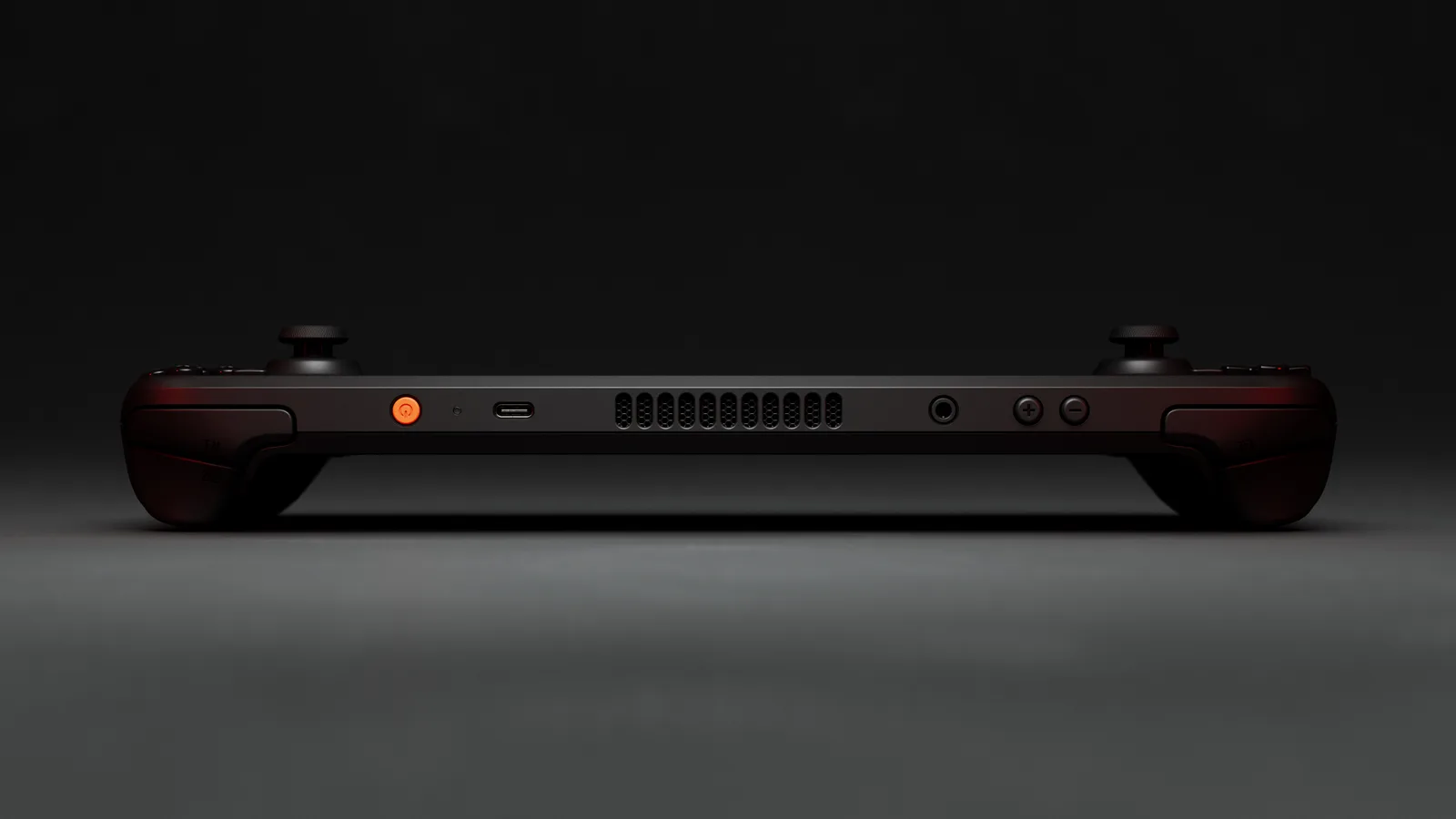
The Steam Deck accessories worth buying are a 512GB microSD card, a carrying case and a screen protector. Those three fix the two problems nearly every owner hits: running out of storage and scratching or dropping the Deck. Most lists run to fifteen or twenty items. Past these three, a power bank, a dock or a controller is a "if you need it" purchase, and the rest is preference dressed up as necessity.
Here's the quick list, with the label each pick earns:
- Best Overall: Samsung PRO Plus 512GB microSD. Top pick in PCGamesN's roundup, with a 10-year warranty.
- Best for Travel: a hard carrying case. Our case breakdown covers the pick.
- Best Cheap Insurance: a tempered-glass (matte or clear) screen protector. The lowest-cost way to prevent the most common cosmetic damage.
1. Storage: Samsung PRO Plus 512GB microSD
The Deck's internal storage fills up fast once you're past two or three modern titles, and a microSD card is the realistic fix. Valve's specs list the slot as UHS-I, supporting SD, SDXC and SDHC cards. The Samsung PRO Plus 512GB is the card PCGamesN's roundup names the best overall for how it "balances performance, capacity, and price." The same roundup picks the SanDisk Extreme as the fastest option and the Lexar Play as the budget choice. Samsung backs the PRO Plus with a 10-year limited warranty.
Size matters more than speed. PCGamesN recommends at least 512GB and notes that a 512GB card "will only just fit" Call of Duty: Black Ops 6, Red Dead Redemption 2 and Assassin's Creed Shadows. If you mostly play indies and older games, 256GB is plenty. If you install several 100GB-plus titles at once, go bigger.
Speed is where buyers overspend. Samsung's spec sheet lists up to 180MB/s read and 130MB/s write, but PCGamesN says the Deck's UHS-I interface is limited to 104MB/s, so you won't see the benefit of a faster-rated card. How-To Geek compared a budget, a mid-range and a premium card and found load times within a second or two of each other. Any microSD is slower than the internal SSD (How-To Geek measured Days Gone at 29.9 to 32.9 seconds off cards versus 22.2 seconds internal), but that gap comes from the slot, not the card brand.
Which microSD card for Steam Deck: the spec checklist
Picking the best microSD card for Steam Deck comes down to three labels on the package. Valve's tech specs say only that the slot is UHS-I and takes SD, SDXC and SDHC cards, so any card in that family works. Beyond that, here is what to look for:
- Class. All three cards in PCGamesN's roundup (Samsung PRO Plus, SanDisk Extreme, Lexar Play) carry A2 and U3 ratings. The SanDisk Extreme 512GB listing on Amazon claims V30 and up to 190MB/s read and 130MB/s write (manufacturer figures, not independent measurements). Treat A2 and U3 as the floor, not a reason to pay extra.
- Capacity. PCGamesN lists the Samsung PRO Plus in 128GB, 256GB, 512GB and 1TB sizes, the SanDisk Extreme in 64GB to 1TB, and the Lexar Play from 128GB up to 2TB. For a modern library, 512GB is the size to start with (see above).
- Speed rating. Ignore it past a point. PCGamesN says the Deck's UHS-I interface caps out at 104MB/s, so a 190MB/s card runs at the slot's limit, not its own.
The short answer: the PRO Plus is our pick for the warranty, and the SanDisk Extreme is the alternative if it's cheaper on the day. Check the price at Amazon before you choose, because the gap between them is small and moves.
So why the PRO Plus? Reliability and the warranty, not speed. And street prices move: Slickdeals threads have shown the PRO Plus and Samsung's cheaper EVO Select within a few dollars of each other during sales, so compare both on the day you buy.
Reasons to buy: a 10-year warranty and the top spot in a named independent roundup.
Reasons to avoid: the UHS-I slot means you won't get the card's rated speed, so a cheaper card loads games about as fast.
2. Protection: A Case and a Screen Protector
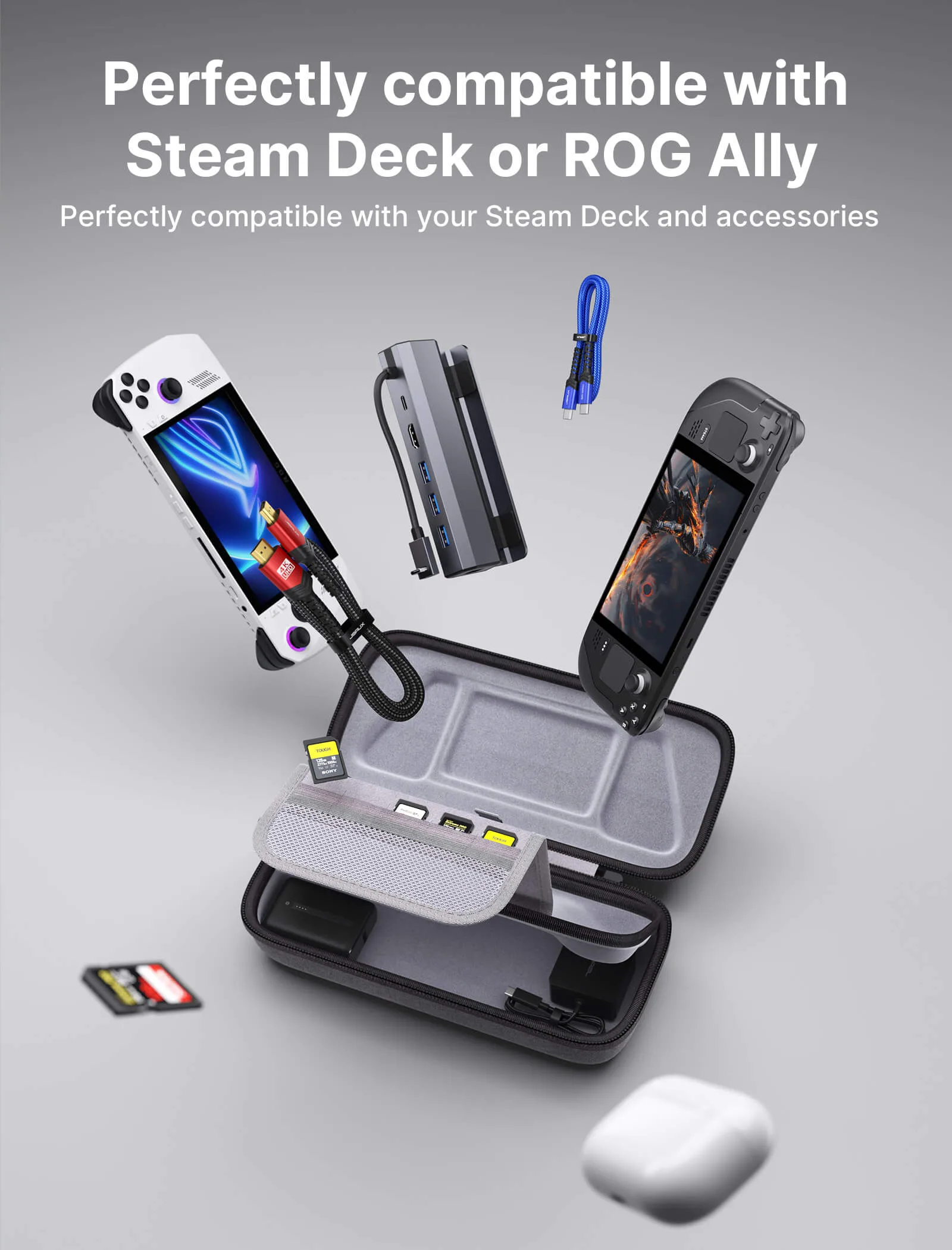
A case and a screen protector cover the two damage scenarios that actually happen: drops in a bag, and scratches from pocket lint or a table. We break down which case is worth it separately. The short version: the JSAUX Carrying Case runs $24 to $28 and has room for the charger and dock, which matters more than raw protection. One caveat: Valve says every Steam Deck OLED ships with a carrying case, so a second case is about carrying more, not about having one.
For the screen, tempered glass is the pick we lean toward. PCGamesN's accessories roundup names the Ivoler protector and calls it essential, and GamesRadar picks the JSAUX protector, citing a 9H hardness rating. Both are buying-guide picks, not lab tests. The only claim about glass versus film comes from dbrand, which sells a Steam Deck glass protector and claims "maximum protection from scratches and drops." That is a manufacturer claim, and we found no independent comparison. Film is thinner and can suit a tight case better.
Reasons to buy: usually inexpensive (we couldn't read the ivoler price), quick to apply, and it keeps scratches off a screen you can't easily replace.
Reasons to avoid: it adds a little thickness, and a tight case may not fit it.
Steam Deck screen protector: what to check before you buy
Four things decide whether a Steam Deck screen protector is the right one, and the first is the one most lists skip.
- Which Deck you own. The OLED screen is 7.4 inches and the LCD is 7.0 inches, per Valve's OLED page and LCD spec page, so a protector cut for one won't fit the other (our reasoning from the two sizes; we found no fit guidance from Valve). Look for a listing that names both models, as the Amazon listing below does, and check which one you're buying.
- Etched glass on the 1TB OLED. Valve's OLED page says the 1TB model has "premium anti-glare etched glass," while the 512GB OLED has a standard display. That matters, because the screen already cuts glare out of the box on the 1TB. Nyko says its matte protector is not intended for the 1TB OLED for that reason. If you own the 1TB, a matte protector may be redundant, and a clear one is the safer match. We found no independent test of either on the etched panel.
- Matte or clear. On the 512GB OLED and the LCD, a matte (anti-glare) protector reduces reflections and fingerprints. The trade-off is that matte finishes can look slightly less sharp than clear glass. That's general reasoning, not a measurement we found. A clear, thin protector keeps the OLED's contrast untouched.
- Glass or film. Tempered glass is harder and adds more thickness (Nyko lists its 9H glass at 0.55mm). Film is thinner and fits tighter cases. If your case is snug, check the clearance first.
The listing we'd check first for a 512GB OLED or an LCD Deck: the ivoler Matte Anti-Glare 2-Pack. We picked it because its Amazon listing names both models and includes a spare; we couldn't confirm its hardness rating, thickness or price, and PCGamesN's ivoler pick appears to be the clear version. If you want to keep the OLED's contrast untouched, a clear protector is the better match, but we didn't verify a specific clear listing.
1TB OLED owners: skip the matte options, per Valve's etched-glass description and Nyko's warning. A clear protector is the match, or none at all. We didn't verify a specific clear listing, so we're not linking one.
3. More Steam Deck Accessories: What to Add Later, What to Skip
Once the three essentials are in, add only for a specific problem:
- Power bank, for travel. PCGamesN recommends the Anker 20,000mAh power bank (under $70 in its roundup), saying it delivers 87W and can charge the Deck nearly four times, though that looks high against the Deck's 50Wh battery; plan on about one and a half charges (our arithmetic). GamesRadar picks a JSAUX 20,000mAh 65W bank. Skip it if you play at home. For which chargers and power banks meet the 45W spec, see our charger guide.
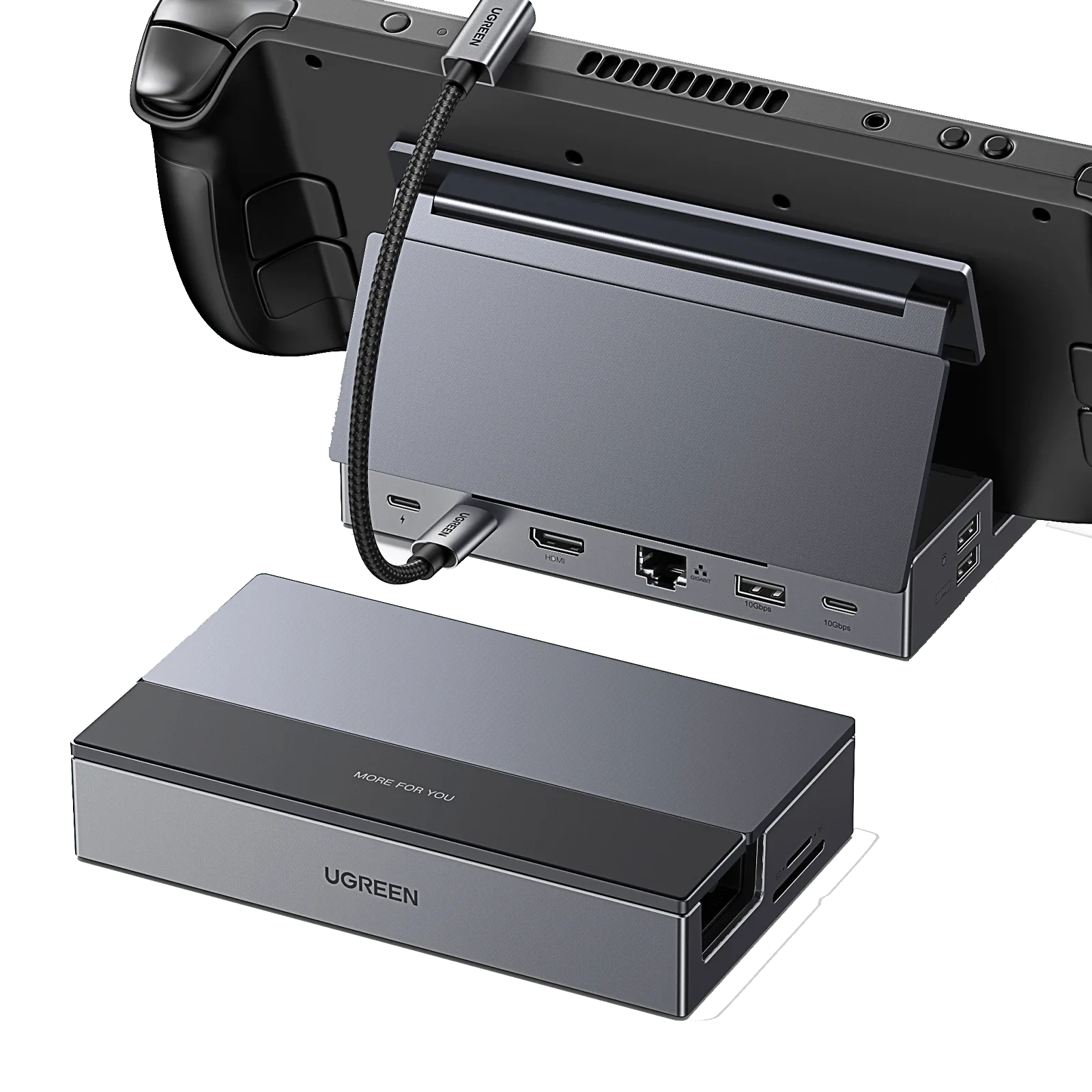
- Dock, for a TV or desk. Valve's official dock has three USB-A ports, Gigabit Ethernet, DisplayPort 1.4 and HDMI 2.0 (up to 4K at 60Hz). PCGamesN calls the JSAUX 5-in-1 dock "fantastic value" at under $25 in its roundup; we couldn't confirm that price. Our docking guide covers which ports you need and how to connect to a TV.
- Controller, for docked play. PCGamesN's pick is the Xbox Wireless Controller for its broad compatibility. Only worth it if you play on a TV.
- Grip caps, RGB add-ons and multi-device stands. Smaller, personal annoyances. Add one if a specific complaint comes up. It's the same instinct that's kept my chair spreadsheet running for ten years: I'd rather compare than buy the first option that looks fine.
If you've been waiting for a successor before buying, Valve still hasn't put a date on Steam Deck 2, so there is little reason to wait. And if you haven't picked the handheld itself yet, see four handheld PCs ranked on price, battery and operating system. Torn between a Deck and Nintendo's new console? See how the Deck stacks up against the Switch 2 on price and library. And once it's set up, here are twelve Verified games worth installing first.
What We Couldn't Verify
We haven't run our own load-time benchmarks on this card. The slot-speed ceiling and load-time comparisons come from PCGamesN's and How-To Geek's testing. The A2, U3 and V30 labels and capacity lists come from PCGamesN's roundup and the Amazon listing, not from our own checks, and we couldn't confirm live prices or stock for the SanDisk or Lexar cards. We found no independent test of tempered glass versus film on the Deck, or of matte versus clear protectors on either OLED panel, so that advice rests on buying-guide picks, general reasoning, Valve's and Nyko's product statements and one manufacturer's claim. We also couldn't read a price, hardness rating or thickness on the ivoler listing. Power bank and dock prices come from PCGamesN's roundup and move with sales. We also can't speak to durability past what current buyer reviews cover. A card, case or protector that looks solid after a few months isn't proof it holds up for years.
The Verdict
For a first round of Steam Deck accessories, the Samsung PRO Plus 512GB, a hard case and a tempered-glass screen protector cover most of what goes wrong with a bare Deck, and the case and card are both cheap next to the console. 8.5/10 for this trio as a starter kit. Everything past it is optional.
FAQ
What accessories should I buy for a Steam Deck?
Start with three: a 512GB microSD card, a carrying case and a screen protector. They cover storage, drops and scratches. PCGamesN's roundup and GamesRadar both start with the same basics.
What should I add to my Steam Deck after the basics?
Add based on how you play. A power bank helps on trips (PCGamesN suggests a 20,000mAh Anker), a dock helps if you play on a TV or desk, and a controller helps only for docked play. If none of those describes you, stop at three.
What size microSD card should I buy for a Steam Deck?
At least 512GB, per PCGamesN, which notes a 512GB card only just fits three big modern games. If you mostly play smaller or older games, 256GB is enough.
What is the best microSD card for Steam Deck?
The Samsung PRO Plus 512GB, which PCGamesN names best overall, backed by a 10-year warranty from Samsung. PCGamesN calls the SanDisk Extreme the fastest pick and the Lexar Play the budget pick. All three are rated A2 and U3.
Does the Steam Deck need a special micro SD card?
No. Valve's tech specs list a UHS-I slot that supports SD, SDXC and SDHC cards. Look for A2 and U3 ratings, as the cards in PCGamesN's roundup have.
Does a faster microSD card load games faster on a Steam Deck?
Barely. The Deck's slot is UHS-I and limited to 104MB/s per PCGamesN, and How-To Geek found load times across budget and premium cards within a second or two of each other.
Is a screen protector necessary for a Steam Deck?
Not strictly, but it's usually inexpensive insurance against pocket-lint scratches. We lean toward tempered glass, though the only support we found is buying-guide picks and a manufacturer's claim (dbrand), not independent testing.
What is the best screen protector for a Steam Deck OLED?
For a 512GB OLED or an LCD Deck, the first listing we'd check is the ivoler matte tempered-glass 2-pack, whose Amazon listing names both models; we couldn't confirm its hardness rating, thickness or price. For the 1TB OLED, Valve says the screen is already anti-glare etched glass, and Nyko says its matte protector isn't meant for it, so choose a clear protector or skip it. We found no independent test of any of these.
Do Steam Deck OLED and LCD screen protectors fit both models?
Not by default. The OLED is 7.4 inches and the LCD is 7.0 inches, per Valve, so a protector cut for one likely won't fit the other (our reasoning from the two sizes; we found no fit guidance from Valve). Buy a listing that names your exact model, such as the ivoler 2-pack, which lists both.
Update, October 4, 2026: expanded the screen protector section with a "what to check" list (OLED vs LCD size, the 1TB OLED's etched anti-glare glass per Valve, matte vs clear, glass vs film), one Amazon pick (ivoler matte 2-pack, listing read for its title and compatibility) and two FAQ entries. Sources: Valve's OLED page, Nyko's product page, PCGamesN and the Amazon listing. Later that day, the ivoler recommendation was reworded to say what we could not confirm, the power bank estimate was checked against the Deck's battery size, and a link to our charger guide was added. Rating unchanged. Earlier, on October 3, 2026: added a microSD spec checklist (class, capacity, speed) and two FAQ entries on choosing a card, sourced from Valve's tech specs, PCGamesN and the SanDisk Amazon listing. Also that day: the page now targets "steam deck accessories." It opens with a direct answer, adds a section on what to add later (power bank, dock, controller) from PCGamesN and Valve's specs, and tightens the microSD section with PCGamesN's size guidance. The FAQ now covers what to buy and what to add. Earlier updates: October 2, 2026 (audit corrections, quick-pick labels) and September 28, 2026 (microSD speed claim corrected: the Deck's UHS-I slot caps real-world throughput).
Samsung PRO Plus 512GB microSD
Pros
- Samsung PRO Plus is PCGamesN's top microSD pick, with a 10-year warranty
- 512GB is the practical sweet spot: room for several large installs without the 1TB premium
- A case and a screen protector cover the two most common damage risks (drops, scratches) cheaply
- None of the essentials need any setup beyond plugging in or applying
Cons
- The Deck's microSD slot caps near 104MB/s, so a premium card's rated speed is wasted
- Hard cases add bulk: fine for travel, annoying for a coffee table setup
- The screen protector advice rests on thin evidence: no independent glass-versus-film test exists that we found
 Reviews
Steam Deck Case (2026): JSAUX Pick That Fits Charger
Valve ships a case with the Steam Deck OLED, so the real question is whether you need a second Steam Deck case. If you carry a charger or dock, the JSAUX Carrying Case is built around that.
 Setup
SetupSteam Deck Dock: Which to Buy in 2026 (Ports, Prices)
For one TV, the UGREEN 9-in-1 is the Steam Deck dock to get. Valve's $79 dock only earns its price with two displays. Ports, prices, and what to do when the screen stays black.
 Reviews
Best Steam Deck Charger (2026): 45W Picks Compared
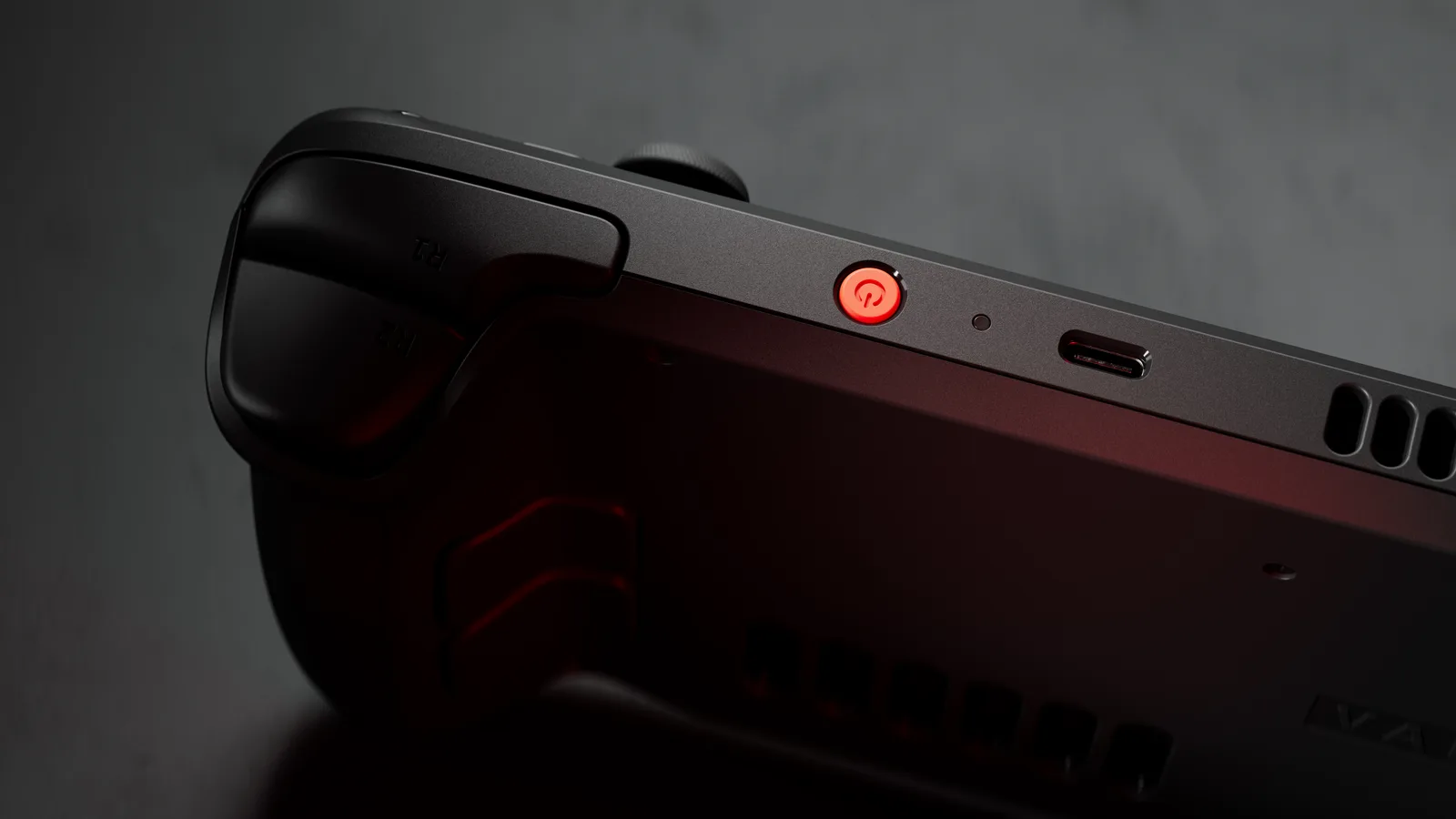
A Steam Deck needs 45W over USB-C Power Delivery, and plenty of cheap chargers fall short. Here are the official adapter, 45W-65W alternatives and a power bank worth buying.