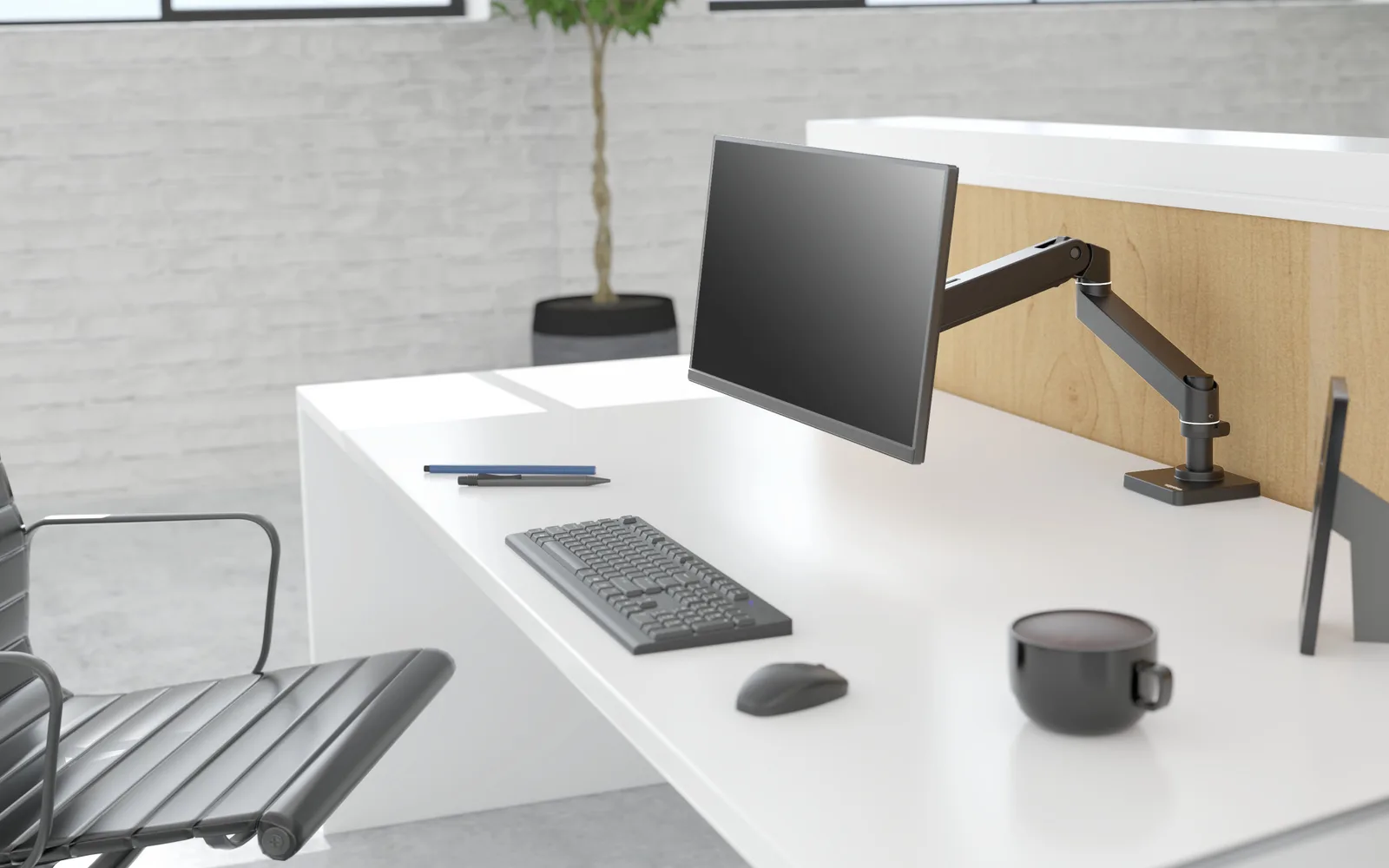
If you just want the answer: for most desks, get the Ergotron LX. Its Amazon listing says it holds monitors up to 34 inches and 7 to 25 lbs on 75x75 or 100x100 mm VESA, and PCWorld's September 2026 roundup picks its newer sibling, the LX Pro, as best overall. For two screens, get the LX Dual. For an ultrawide up to 42 lbs, get the Ergotron HX. On a tight budget, get the HUANUO HNSS6. These are spec-and-source picks; nobody here mounted these arms.
How we picked
We didn't mount or load any of these arms. We read Amazon listings and retailer spec sheets for weight range, screen size and VESA, then checked them against PCWorld's roundup, which was updated September 4, 2026, and BGR's list. We sorted by the one thing that decides an arm: how much your monitor weighs. Where sources disagree, we say so.
One number decides an arm: the weight range. Too heavy and the arm droops; too light and it drifts upward.
The best monitor arms at a glance
| Arm | Best for | Weight range | Screen size | VESA | Mount | Price (source, date) |
|---|---|---|---|---|---|---|
| Ergotron LX | Most single monitors | 7 to 25 lbs | Up to 34" | 75x75, 100x100 | Clamp | $199.99, Oct 3, 2026 (Amazon) |
| Ergotron LX Dual | Two monitors | 44 lbs combined per PCWorld | Up to 27" each | 75x75, 100x100 | Clamp | $489, Sept 2026 (PCWorld) |
| Ergotron HX | Ultrawide, heavy | 20 to 42 lbs | Up to 49" | 75x75, 100x100 | Clamp or grommet | $350, Sept 2026 (PCWorld) |
| HUANUO HNSS6 | Budget | 4.4 to 19.8 lbs | 13" to 32" | 75x75, 100x100 | Clamp and grommet | $40 to $50, Sept 2026 (PCWorld) |
Best for most desks: Ergotron LX
The Ergotron LX is the arm I point people to first. Its Amazon listing gives 7 to 25 lbs, up to 34 inches, flat, curved and ultrawide screens, and VESA 75x75 or 100x100, at $199.99 for a new unit as of October 3, 2026. Amazon prices change often, so check the live listing. Ergotron's warranty policy gives LX arms a 10-year warranty.
PCWorld names the LX Pro its best overall at $209 and lists 22 lbs and a clamp mount. Ergodirect lists the LX Pro at $199 with 4 to 22 lbs, a 13-inch lift and a clamp for desks 0.4 to 2.4 inches thick. We couldn't verify an Amazon listing for the LX Pro, so we link the LX. Check your monitor's weight on its spec sheet against the arm's range.
Best for two screens: Ergotron LX Dual
The Ergotron LX Dual Side-by-Side pairs two LX-style arms on one clamp. PCWorld calls it the best dual arm and lists $489, up to 27 inches each, and 44 lbs combined. Those numbers are PCWorld's, and the Amazon page didn't show specs when we read it, so confirm the per-arm weight on the listing.
PCWorld's budget dual is the Workstream by Monoprice at about $100, which it says is harder to adjust. We don't link it.
Best for ultrawides and heavy screens: Ergotron HX
The Ergotron HX is for screens the LX can't carry. Its Amazon listing says 20 to 42 lbs and up to 49 inches. PCWorld lists $350, a clamp or grommet mount, and minimal plastic. The 20 lb floor matters: a lighter monitor may not balance on it.
Best budget arm: HUANUO HNSS6
The HUANUO FlowLift HNSS6 holds 4.4 to 19.8 lbs and 13 to 32 inch screens, with a clamp and a grommet base, per its Amazon listing. PCWorld lists $40 to $50 and calls it a quality entry-level arm with weak cable management.
PCWorld says the least expensive arms lack a dynamic tension mechanism, and that even some $35 to $50 arms use a weak gas piston. So keep the monitor well under 19.8 lbs.
I used to point budget buyers to the North Bayou F80. BGR says it doesn't work with curved monitors, and PCWorld names the HUANUO, so that's my budget pick now.
Skip these
- Any arm without a weight range that covers your monitor. Check the spec, not the screen size.
- Cheap arms for heavy screens. See the budget pick above for what PCWorld says about weak gas pistons.
- A bigger monitor before an arm. See why monitor height comes before monitor size; the arm fixes it.
- A new arm on a wobbly desk. Pick a desk first; see our desk picks.
What we couldn't verify
- The LX price is the Amazon listing's $199.99 as read on October 3, 2026, and Amazon prices move. We have no verified Amazon listing for the LX Pro.
- We couldn't read Wirecutter's or Tom's Guide's monitor arm lists in full, so we don't cite their rankings.
- The LX Dual's per-arm weight limit didn't load on Amazon, so we use PCWorld's combined figure.
- PCWorld's prices are from September 2026 and shift with sales. We found no lab sag or durability tests for any arm here.
As an Amazon Associate, LevelRig earns from qualifying purchases.
Bottom line
Match the arm to the monitor's weight, then to the budget. The Ergotron LX suits most single screens, the LX Dual suits two, the HX suits heavy ultrawides, and the HUANUO HNSS6 is the cheap way in. Before buying a chair to go with the setup, see which gaming chair is worth the money.
FAQ
What is the best monitor arm overall?
For most desks, PCWorld's best overall is the Ergotron LX Pro, at $209 as of September 2026. We couldn't verify an Amazon listing for it, so we link its sibling, the Ergotron LX, which lists 7 to 25 lbs, screens up to 34 inches and a 10-year warranty. Match the arm's weight range to your monitor first.
What VESA size do I need?
Check your monitor's spec sheet for its VESA pattern. Most monitors use 75x75 or 100x100 mm, per PCWorld, and the Ergotron LX, Ergotron HX and HUANUO HNSS6 all list both. We couldn't confirm the LX Dual's page, so check that listing before you buy.
Will a monitor arm hold an ultrawide?
Yes, if the arm is rated for its weight. The Ergotron HX is listed for 20 to 42 lbs and screens up to 49 inches, while the Ergotron LX covers 7 to 25 lbs and up to 34 inches. A monitor lighter than 20 lbs may not balance on the HX.
Are cheap monitor arms any good?
It depends on the tension mechanism. PCWorld says the least expensive arms lack a dynamic tension mechanism and that even some $35 to $50 arms use a weak gas piston. The HUANUO HNSS6, at $40 to $50 per PCWorld, holds 4.4 to 19.8 lbs, so keep the monitor well under that limit.
 Setup
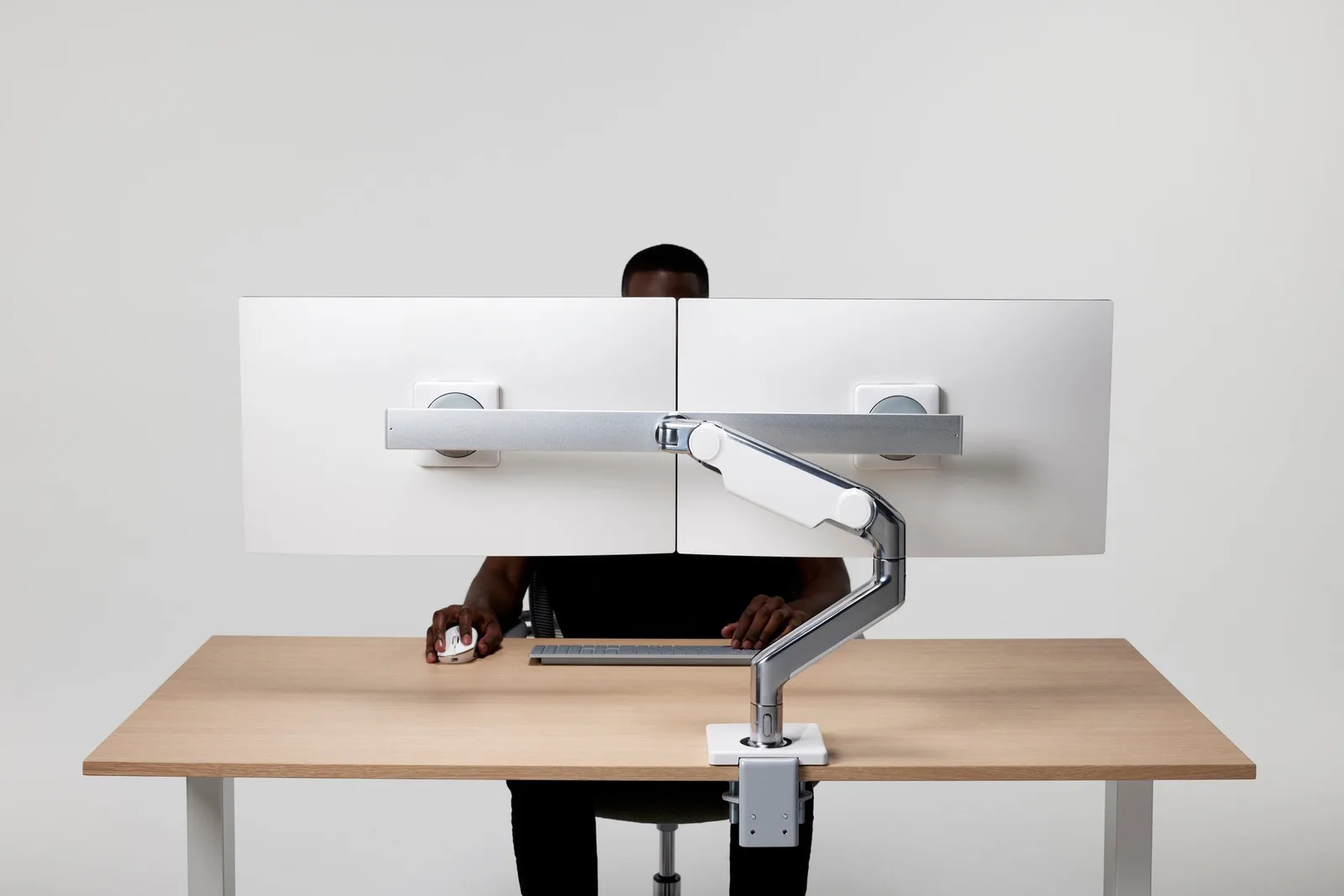
SetupGaming Desk Setup Ideas That Reduce Strain
Most gaming desk setup guides are about aesthetics — RGB placement, cable colors, panel lighting. Here's the version that's actually about reducing neck and wrist strain, with the two changes that matter most.
 Reviews
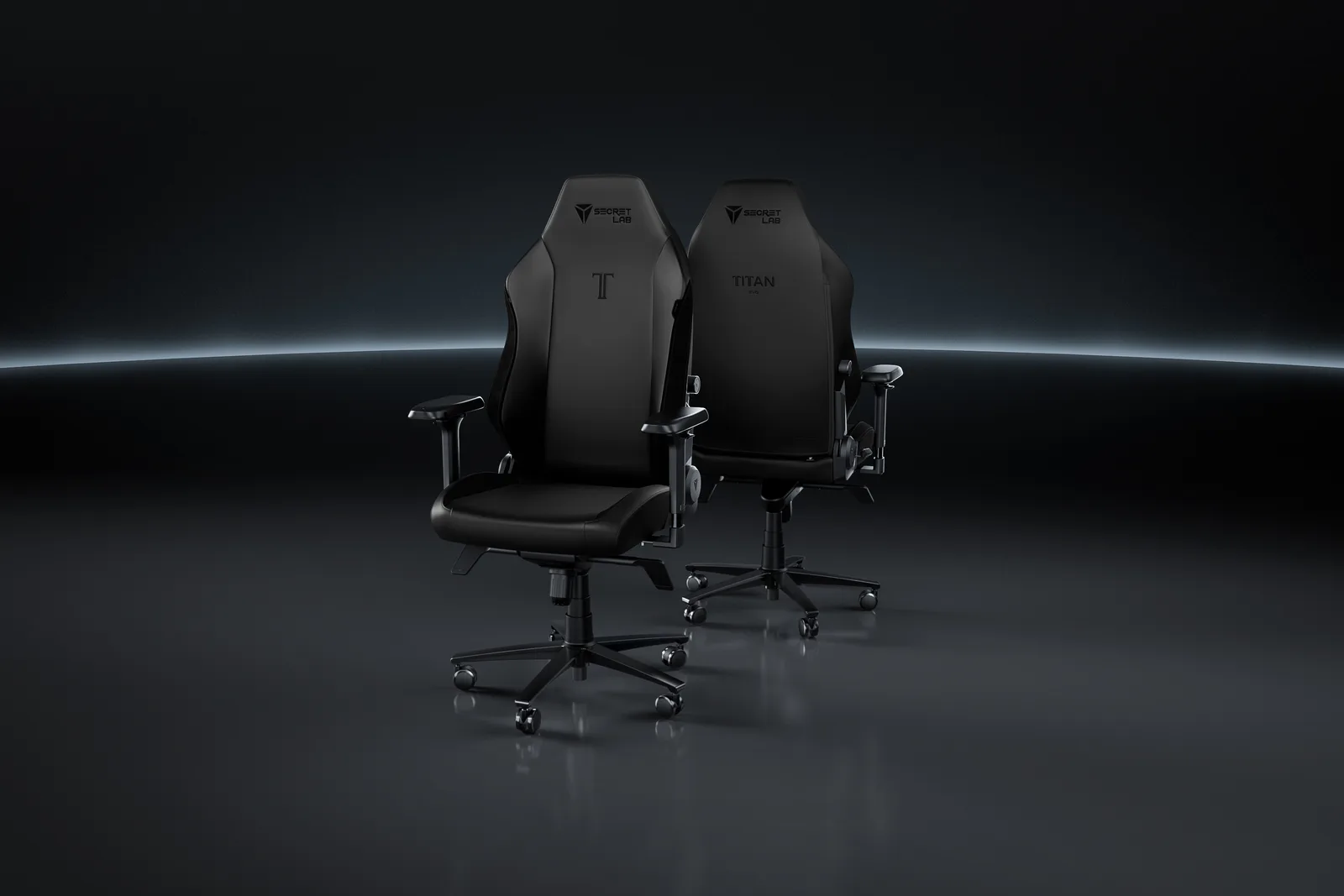
Best Gaming Chair (2026): Our Overall Pick
There's no single best gaming chair — there's a best chair for your specific priority. Here's the overall winner, and the three situations where a different pick actually serves you better.
 Reviews
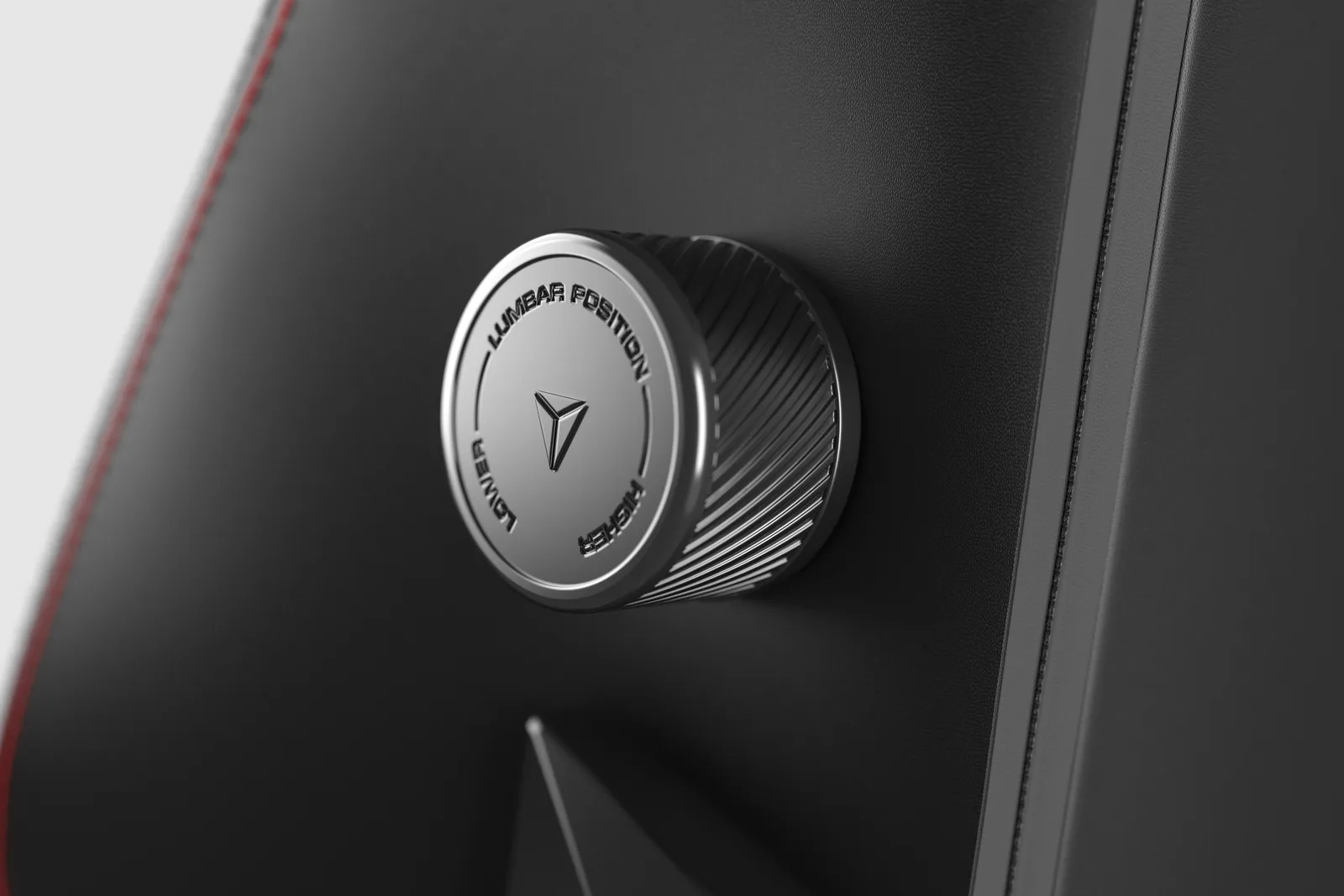
Best Gaming Chair for Back Pain and Lumbar Support (2026)
Most 'best gaming chair' lists rank comfort. We ranked lumbar support you can actually adjust to your spine — here's the one chair that gets it right, and when to look elsewhere.