
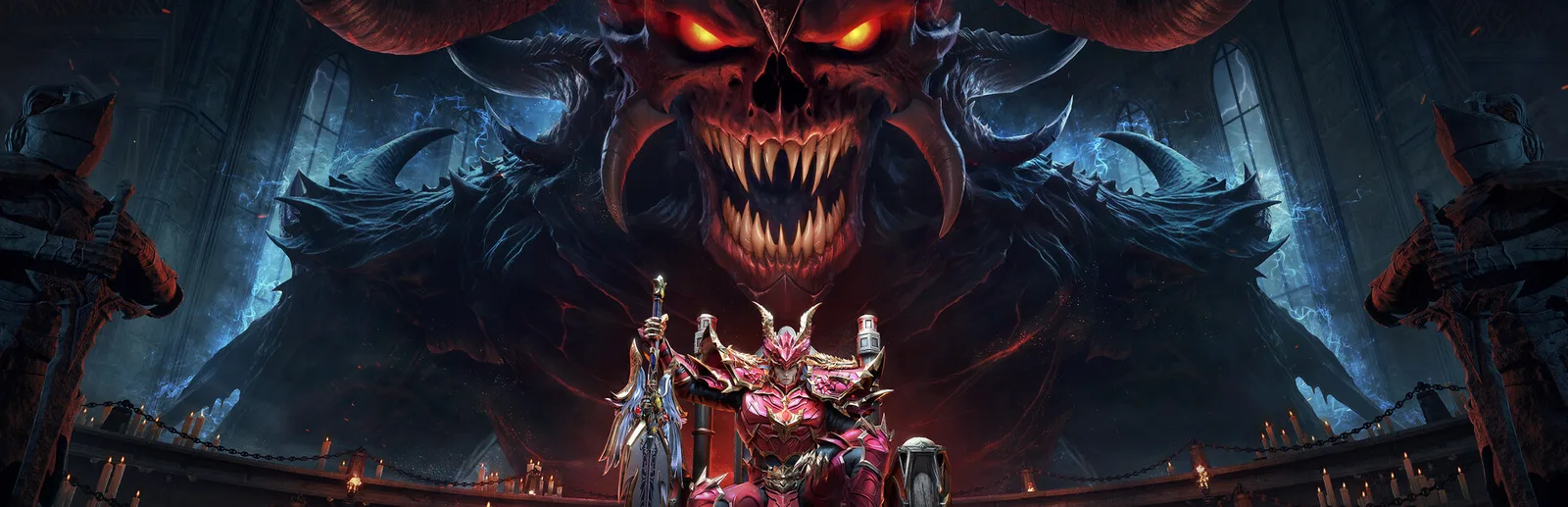
- Is There a PC Version of MU: Dark Epoch?
- How to Play MU: Dark Epoch on PC
- Mistakes That Cost Progress
- Steam, Standalone Client or Emulator for MU: Dark Epoch?
- What Are the MU: Dark Epoch PC System Requirements?
- What Is the Best Class in MU: Dark Epoch?
- How Do You Redeem Codes in MU: Dark Epoch?
- Is MU: Dark Epoch Worth Playing in 2026?
- What We Couldn't Verify
- FAQ
Yes, MU: Dark Epoch runs on a Windows PC without an emulator. 37GAMES lists a free-to-play Windows version (with in-app purchases) on Steam, and our link below goes to a standalone Windows client. Check your login before you spend on PC: we couldn't confirm that mobile progress carries over. Last checked: November 10, 2026.
Some links on this page are offer links. If you use one, LevelRig may earn a commission. It doesn't change what we recommend: a PC client comes first because it protects your account.
The short version: use Steam or Get the Windows client, never an APK site, and set your spending limit before you create a character.
Is There a PC Version of MU: Dark Epoch?
Steam is the Windows version we have confirmed: 37GAMES is the listed developer and publisher. The Steam page shows a release date of October 16, 2025 and lists Windows only, no Mac or Linux. The standalone Windows client behind our link is a second way in. We haven't yet confirmed the page it installs from, so check the publisher name on the page you land on, and we'll update this when we know.
The game also exists on phones: the App Store listing shows an iPhone and iPad version, with BUILDING-BLOCKS NETWORK TECHNOLOGY CO.,LIMITED as the seller.
Don't confuse it with MU: Dark Awakening. PocketGamer credits Webzen as the developer of Dark Awakening and describes it as a spinoff-sequel to the classic MU MMORPG on iOS and Android. Dark Epoch is a different game, listed under 37GAMES on Steam. As for MU Online, one review, PerfCore, says Dark Epoch is "built on the bones of the classic MU Online universe." We found no official statement of a licensing deal, so that is a reviewer's description.
How to Play MU: Dark Epoch on PC
If you're new to the game:
- Pick one source: Steam, or the standalone Windows client.
- Install it, create a character and pick your class (more below).
- Write down which login you used. This is the step people skip, and it decides whether you can find the account again on a new PC.
If you already play on your phone:
- Check your mobile settings for any account or binding option before you install anything.
- Try logging in with that same account on PC.
- If a second, empty character appears, stop and contact support before you spend.
We found no official page saying whether a mobile account opens on PC. The PerfCore review doesn't address it either.
Mistakes That Cost Progress
- Installing from a "free APK" or "mod" site. Use Steam or the link above only.
- Spending before you know which account you are on. Check the character name and server first.
- Assuming Steam and the standalone client share data. We found nothing saying they do.
- Redeeming codes on the wrong character. More below.
Steam, Standalone Client or Emulator for MU: Dark Epoch?
| Steam | Standalone Windows client | Android emulator | |
|---|---|---|---|
| Where you get it | Steam store page | Link on this page | The emulator's own site |
| Platforms | Windows only | Windows | Depends on the emulator |
| Extra software | Steam | None found | The emulator itself |
Our position hasn't changed: when a PC client exists, use it, not an emulator. Both PC routes make an emulator unnecessary. If neither client runs on your PC, our guide to the fallback order when a PC client won't run on your machine covers Google Play Games for PC first and emulators last.
What Are the MU: Dark Epoch PC System Requirements?
The Steam page lists only minimum requirements for the Steam build, as of November 10, 2026:
- OS: Windows 7 (32-bit). Steam notes that its own client supports only Windows 10 and later, so use Windows 10 or 11.
- CPU: Intel i3-4330
- RAM: 1 GB
- Graphics: Intel HD Graphics 4600
- Storage: 800 MB
- Network: broadband
No recommended spec is published, and we have no frame rate data to quote.
Emulator requirements (BlueStacks's, not the game's). BlueStacks is an emulator maker, not the publisher. Its MU: Dark Epoch page lists at least 4 GB of RAM and 5 GB of free disk space as of November 10, 2026. Its own beginner guide lists 2 GB of RAM, so BlueStacks's figures disagree.
What Is the Best Class in MU: Dark Epoch?
We couldn't find an official class list or tier ranking, so we won't invent one. The Steam description mentions "classic remastered classes" with class-change branches. A BlueStacks guide names Warrior, Mage and Archer as "common classes," and says it may not be the full list. PerfCore says classes change as you level and play differently. Since no source ranks them, pick the one whose combat you like to watch for an hour.
How Do You Redeem Codes in MU: Dark Epoch?
PocketGamer's codes page describes the steps on mobile: open the Game Assistant from your profile icon, choose Gift Code, pick the character that should get the rewards, enter the code, type the CAPTCHA as shown, then claim the reward from Mail before it expires. We haven't confirmed the PC menus match. We won't list codes here, because they expire.
Is MU: Dark Epoch Worth Playing in 2026?
It depends on what you want from an MMORPG. The Steam page promises team dungeons, guilds, PvP in Roland City, an auction house and AFK leveling. PerfCore says the first 90 levels move quickly in auto-combat, and then manual play matters more.
Monetization. The game is free-to-play (with in-app purchases), not free of spending. The App Store listing shows Diamond packs from $0.99 to $99.99 and special packs from $0.99 to $9.99 (App Store, as of November 10, 2026), and notes random-item purchases and loot boxes. PerfCore calls the game pay-to-win "in a meaningful way," and says a free trade auction house lets non-spenders partly close the gap. That is one reviewer's opinion.
Player sentiment. The Steam page shows "Mixed" overall: 58% positive from 755 reviews, and 47% positive from 19 reviews in the last 30 days (Steam summary on November 10, 2026; the page doesn't state a language filter). Small samples, so read them as a mood, not a verdict.
Our take: worth a short trial if you like old-school MMORPG grinding and are fine with auto-battle. Set a spending limit before you create a character, write it down, and don't raise it mid-session. If you want a game where skill alone settles every contest, start from our best free-to-play PC games.
What We Couldn't Verify
- The page the standalone Windows client installs from.
- Whether mobile accounts and progress carry over to PC.
- An official class list or ranking.
- Whether the PC menus for codes match the mobile steps.
- Release regions beyond Steam's six listed languages, and the exact mobile launch date.
We didn't test the game ourselves. Everything here comes from the sources linked above.
FAQ
What is MU: Dark Epoch?
A free-to-play fantasy MMORPG from 37GAMES, per its Steam page, with classic remastered classes, team dungeons, guilds, PvP and AFK leveling.
Is there a PC version of MU: Dark Epoch?
Steam is the Windows version we have confirmed: 37GAMES is the listed developer and publisher. The standalone Windows client behind our link is a second way in. We haven't yet confirmed the page it installs from, so check the publisher name on the page you land on, and we'll update this when we know.
Is MU: Dark Epoch free on PC?
Yes, to install and start. Steam lists it as free to play with in-app purchases, and the App Store lists Diamond packs up to $99.99. Set a spending limit before you create a character.
Is MU: Dark Epoch pay to win?
PerfCore calls it pay-to-win "in a meaningful way," while noting a free auction house helps non-spenders. That is one reviewer's opinion, not a measurement.
Will my mobile progress carry over to PC?
We couldn't confirm it. No page we found says that mobile accounts open on PC. Check your login before you spend on PC.
How do I redeem codes in MU: Dark Epoch?
On mobile, open the Game Assistant from your profile icon, choose Gift Code, pick your character, enter the code and the CAPTCHA, then collect the reward from Mail (PocketGamer). We haven't confirmed the PC menus match.
What are the MU: Dark Epoch PC system requirements?
Steam lists minimums only: Windows 7 (32-bit), Intel i3-4330, 1 GB of RAM, Intel HD Graphics 4600, 800 MB of storage and a broadband connection (Steam, November 10, 2026).
 Guides
How to Play Mobile Games on PC: 4 Ways Compared (2026)
How to play mobile games on PC: the best way is the publisher's own client, when one exists. Here are the four options, what each one costs you, and the account step that keeps your progress.
 Guides
Games Like Rise of Kingdoms on PC: 8 Picks (2026)
Eight alternatives to Rise of Kingdoms you can play on a PC, from mobile-style alliance wars to two full 4X strategy games. Each entry covers the PC route, what it shares with RoK, how it makes money, and who it's for.
 Guides
Best Gacha Games on PC (2026): 6 Picks, Ranked
Six gacha games that run on PC in October 2026, ranked by our judgment of public scores, sourced pity rules and press coverage of spending. For each: genre, where to get it, the pity rules, what the press says about spending, and who it suits.